
Microsoft Frontier Preview
Microsoft Scout mark

Microsoft Scout

Agentic AI for delegated work

An always-on agent that can take action across Microsoft 365, local files, browser sessions and developer workflows, with approvals and governance wrapped around sensitive actions.

Microsoft Scout is an always-on desktop agent that works in the background, taking action across your files, shell, browser, and Microsoft 365. You describe the task, it executes, and you approve sensitive actions before they happen.

Scout responds on Microsoft Teams like a colleague, so you can talk to it as you would with one of your co-workers.
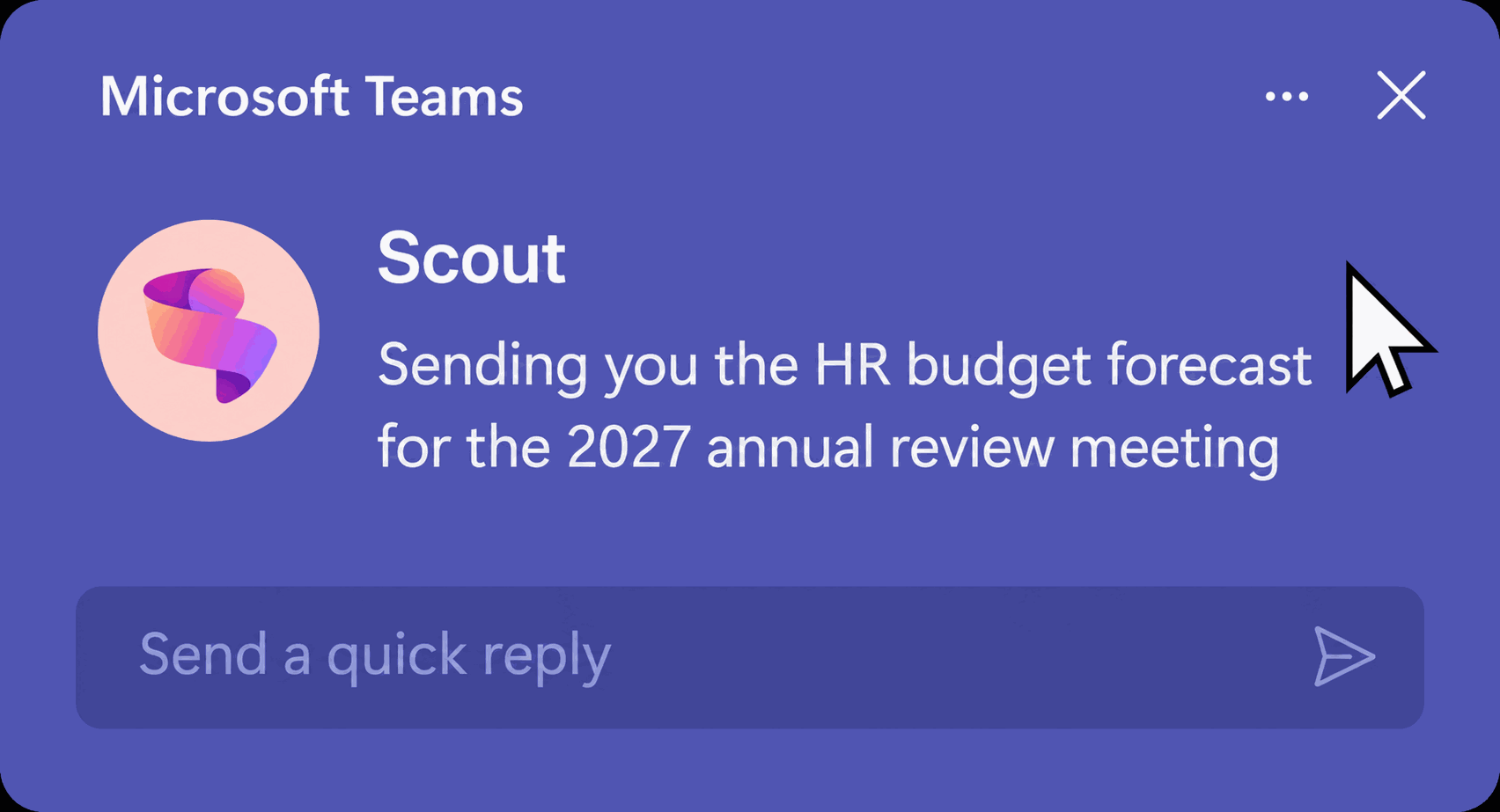
Microsoft Teams message from Scout

Scout is positioned less like a chat assistant and more like an agent you delegate work to. Where a copilot waits for prompts, Scout can run scheduled checks, execute tasks and coordinate actions across tools.

Autopilot rather than prompt-only assistance

Background heartbeat and automations allow work to start from schedule or condition, not only direct chat.

Action beyond Office

Scout can interact with local files, shell commands and browser workflows, which gives it a broader action surface.

Governed identity and approvals

The value is not just autonomy. It is autonomy with policy, identity and approval boundaries around sensitive work.

The Five Highest-Potential Capabilities

Ranked by practical ceiling for business and technical teams during the Frontier preview.

1

Autonomous Operation

Heartbeat runs prompts on its own cadence, and automations fire on schedules or conditions. This is what makes Scout feel like an autopilot.

10/10 potential
2

Shell & Dev Execution

Scout can run real shell commands through approval controls, making it especially powerful for technical and operational workflows.

8/10 potential
3

Sub-Agent Delegation

Scout can launch specialised sub-agents to work in parallel and report back, which raises the ceiling for complex multi-step work.

9/10 potential
4

Browser Automation

Using Playwright, Scout can navigate web apps, click controls, fill forms and extract content. Powerful, but more brittle in preview.

7/10 potential
5

M365 Actions

Email, calendar, Teams and OneDrive actions are the daily-driver value that many business users will understand first.

9/10 potential

Set It Up With Your Microsoft Estate

  1. 1

    Enroll in the Frontier preview program

    Enable Copilot Frontier access in the Microsoft 365 admin centre for all users or specific users.

  2. 2

    Configure the Intune policy

    An IT admin configures Microsoft Scout policy on target devices and sets the required device conditions.

  3. 3

    Attest and assign licences

    Complete the preview attestation and make sure users have the required Microsoft 365 Copilot and GitHub Copilot licensing.

  4. 4

    Users install and sign in

    Once the gates are complete, users install Scout, sign in, and connect the required GitHub account.

Word

Creates and edits documents, reports and proposals.

Loop

Edits Loop documents through browser automation.

Excel

Builds or edits spreadsheets, tables and charts.

HTML

Builds web artifacts, dashboards and visualisations.

PowerPoint

Generates slide decks and pitch materials.

Custom Skills

Uses SKILL.md files to repeat your organisation's process.

Scout

  • Standalone desktop app
  • Always-on heartbeat and automations
  • M365, local files, shell and browser
  • Own governed Entra identity
  • Parallel sub-agent delegation

Cowork

  • Inside Microsoft 365 Copilot
  • On-demand scheduled prompting
  • Microsoft 365 cloud surfaces
  • Runs in your Copilot session
  • Single agent per task
  • Scope the workspace deliberately. Point Scout at an active-projects folder so file actions stay tidy and contained.
  • Use permissions properly. Auto-approve safe read-only commands, and keep sensitive paths behind prompts.
  • Teach it your process. Use SKILL.md where repeatable internal methods matter.
  • Delegate bigger jobs. Use sub-agents where work can be split and handled in parallel.
  • Do not expect sign-in to work after installation alone. Frontier access, policy and attestation must be in place first.
  • Do not auto-approve everything. Keep destructive and outbound actions behind review.
  • Do not treat heartbeat like a person. Background runs are restricted and need careful task design.
  • Do not put production work on a preview without controls. Pilot it, learn its limits, and keep critical work on stable tooling.

Need Help Assessing Agentic AI Readiness?

SecureIT can help you assess where autonomous agents fit, what controls are needed, and how to pilot them without creating unnecessary operational or security risk.

Book an AI Discovery Session